

Samsung has updated Quick Share to let users send Samsung Wallet items, including tickets and boarding passes, directly to another device. The update began rolling out this week through the Galaxy Store.
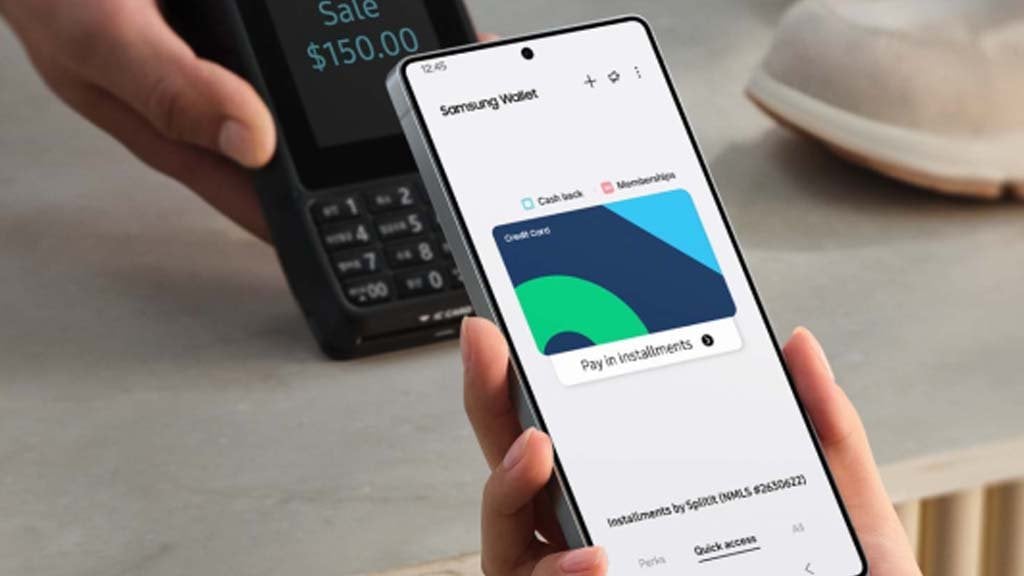
Before this change, sharing a boarding pass or event ticket saved in Samsung Wallet meant taking a screenshot or relying on a separate app. The new Quick Share integration removes that step, sending the actual Wallet item in a format the receiving device can use.
The rollout is staged, arriving in phases across supported Galaxy phones and tablets rather than all at once. Samsung has not published a full list of eligible devices or a firm date for global availability.
Users who want to check for the update can open the Galaxy Store app, tap the three-dot menu, and select Updates, then Update all. The Wallet-sharing feature will only appear once the Quick Share update has installed.
The change is a small one on paper, but it fits a pattern Samsung has followed with Quick Share over the past year: adding more file types and formats the tool can move between devices without a third-party app or a cloud upload.
Samsung Wallet already handles payment cards, loyalty cards, transit passes and event tickets in many markets. Letting those items move directly between phones through Quick Share closes a gap that had pushed some users toward screenshots or manual re-entry.
No pricing or subscription is attached to the update. It ships as part of Samsung’s regular Quick Share maintenance, alongside unspecified bug fixes the company bundled into the same release.
Samsung has not said when the Wallet-sharing feature will reach every supported market, though staged rollouts like this one typically finish within a few weeks of the initial release. Samsung has quietly expanded Quick Share’s file-format support several times this year, part of a broader push to make Galaxy devices work more smoothly together without third-party tools.

Zoom Bangla News
inews.zoombangla.com
Follow iNews Zoombangla On Google
Open the Google follow page and tap the checkmark option to receive more updates from iNews Zoombangla in your Google news feed.

